ཞིབ་བརྗོད།
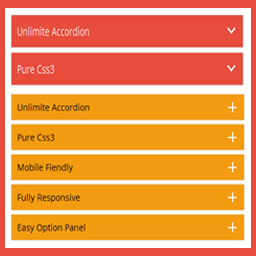
Accordion’s wp is a fully responsive HTML & CSS3 WordPress plugin that offering a modern and engaging user experience.
Plugin Features
- Fully responsive.
- All Browser support.
- Unlimited Accordions anywhere in the theme.
- Use via short-code.
- 5 Different Themes.
- Drag & Drop Accordion sorting.
- WP Editor for accordion content.
- Custom Title background color.
- Custom Title Font color.
- Custom Title Font Size.
- Custom Content Background Color.
- Custom Content Font Color.
- Custom Content Font Size.
- Content Padding Option.
- Add and remove accordion item from backend.
- Highly customized for User Experience.
- And Many More…
Pro Version Features
- All Features of the free version.
- Fully responsive.
- 8+ different Themes.
- Widget Ready.
- Unlimited Domain.
- Support wysiwyg text editor.
- Create accordions by group.
- Cross-browser compatibility.
- Drag & Drop accordion items sorting.
- Add and remove accordion item from backend.
- Use via short-codes.
- Accordion header title font size.
- Accordion header title font color.
- Accordion header title text position.
- Accordion header title background color.
- Show/Hide Accordions expand/collapse icons options.
- Accordion header closeAble true or false Options.
- Expand/collapse Slide speed of Animation Options.
- Accordion content font size.
- Accordion content font color.
- Accordion content background.
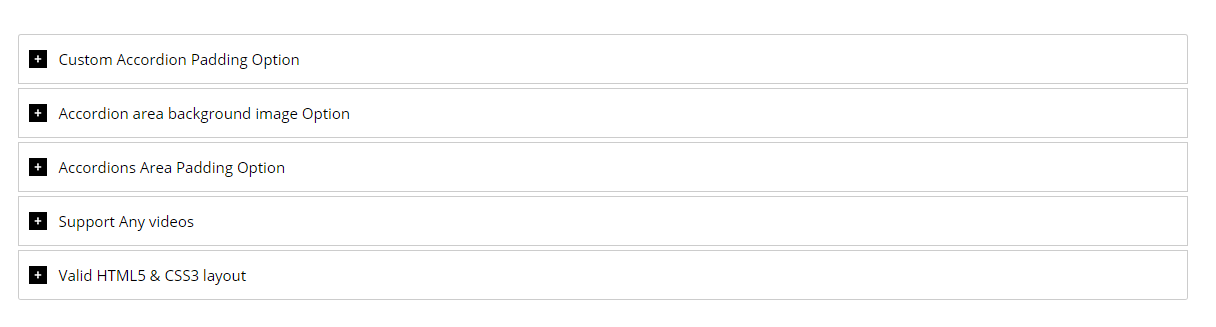
- Custom Accordion Padding Options.
- Accordion area background image Options.
- Accordions Area Padding Options.
- Support Any videos (Ex: youtube, vimeo )
- Valid HTML5 & CSS3 layout.
- Highly customized for User Experience.
- Clean Design & Code.
- Unlimited accordion anywhere in the themes or template.
- Work in all browsers and mobile devices.
- Life Time Self hosted auto updated enable.
- 24/7 dedicated support forum.
- Well Documentation.
- And much more!
Activation
Once the accordion-wp folder has been uploaded, you can activate the plugin. Go to your WordPress admin panel and select the ‘Plugins’ menu option. You should see a new plugin listed, Accordion-Wp. Click Activate to activate the plugin.
Using the Plugin
Once the plugin has been activated, a new menu called Accordion will appear in menu section. There are Three menu options: ‘Accordion’, ‘Add New Accordion’ & ‘Help & Support’.
Creating First Accordion
Click the Accordion submenu entry entitled ‘Add New Accordion’. This will take you to the accordion creation and editing page, Then click Add New Item to add accordion.
Begin by entering a title & description for your accordion. Description Content can be entered using the Visual or HTML content editors. Any valid HTML content (e.g. images, video etc.) can be displayed inside accordion.
To add a new accordion, Just click the ‘Add New Item’ button & fill all the data .
To remove a Accordion, click the ‘Remove’ button located top right side of the accordion title or visual editor.
Inserting Accordion into a Post/page or Widget
After Publish your accordion, you’ll see a notification that the accordion has been Published, then go to ‘Accordion Configure ’ change your own settings & Shortcode tab copy the shortcode & paste into any where into your post/page or text widgets. save your post/page or widgets and browse to see your accordion.
Note :
Some features is not available in free version . Upgrade Premium!» to unlock all amazing features.
གཏུབ་རེིས།
screenshot-1 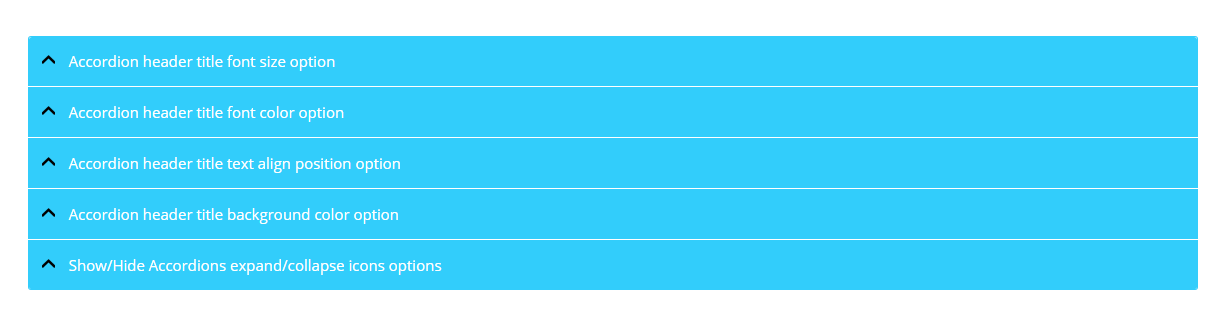
screenshot-2 
screenshot-3 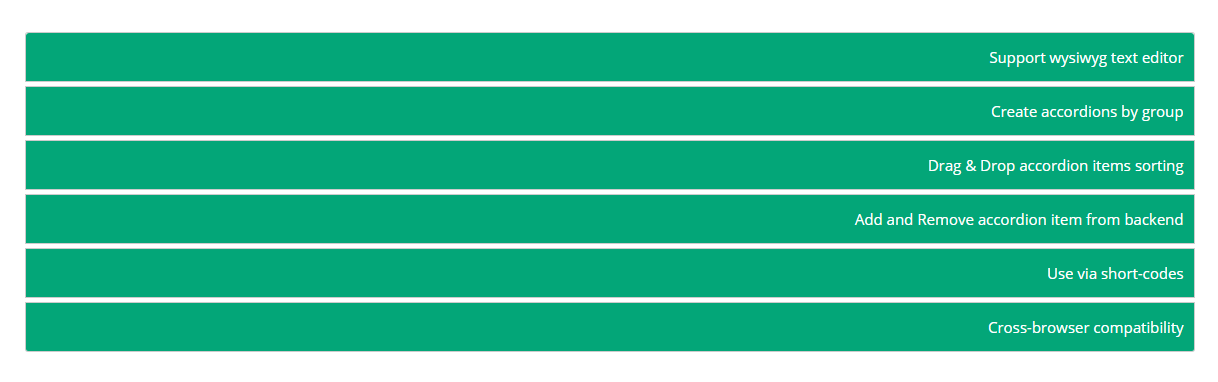
screenshot-4 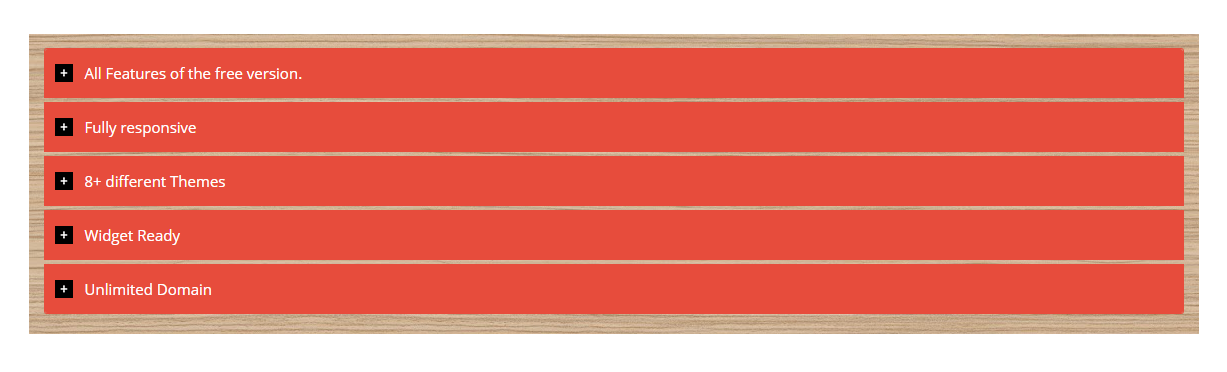
screenshot-5 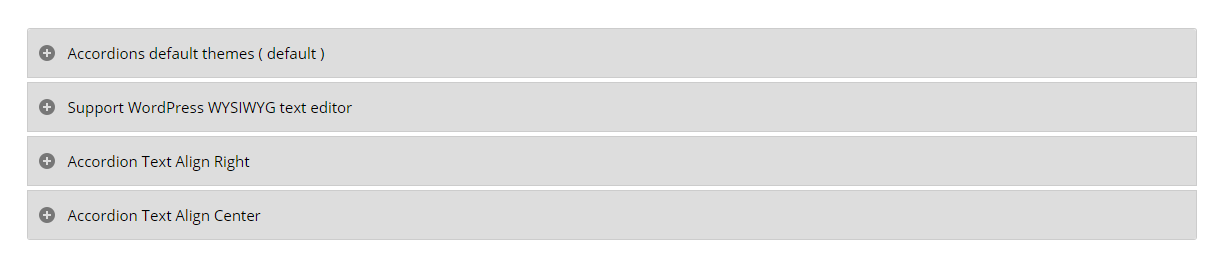
screenshot-6 
screenshot-7 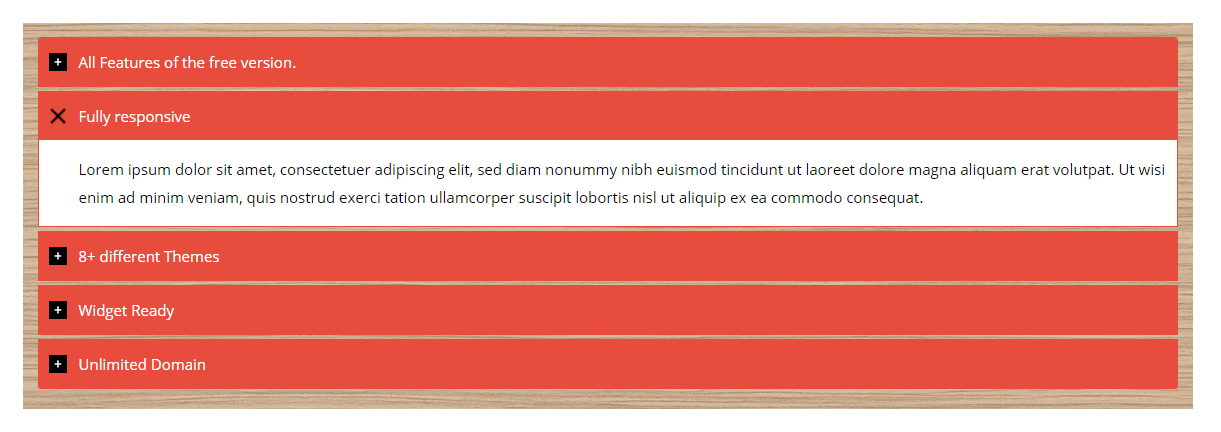
screenshot-8 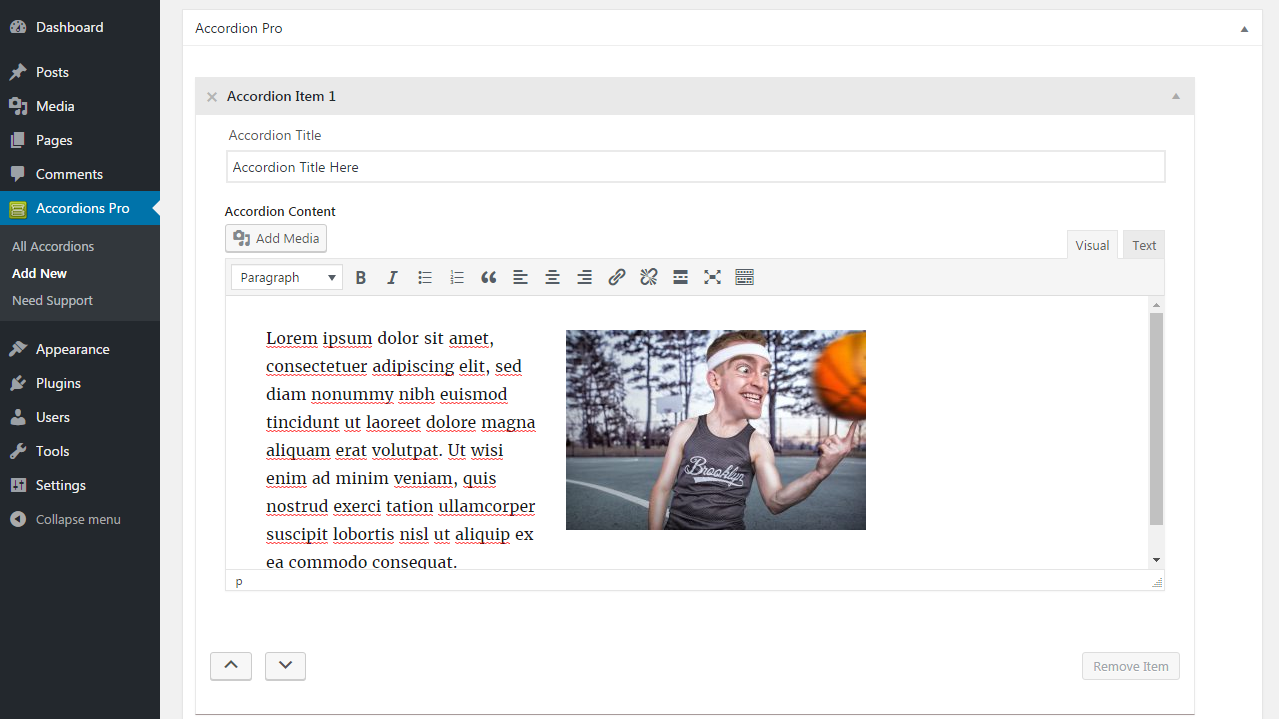
screenshot-9 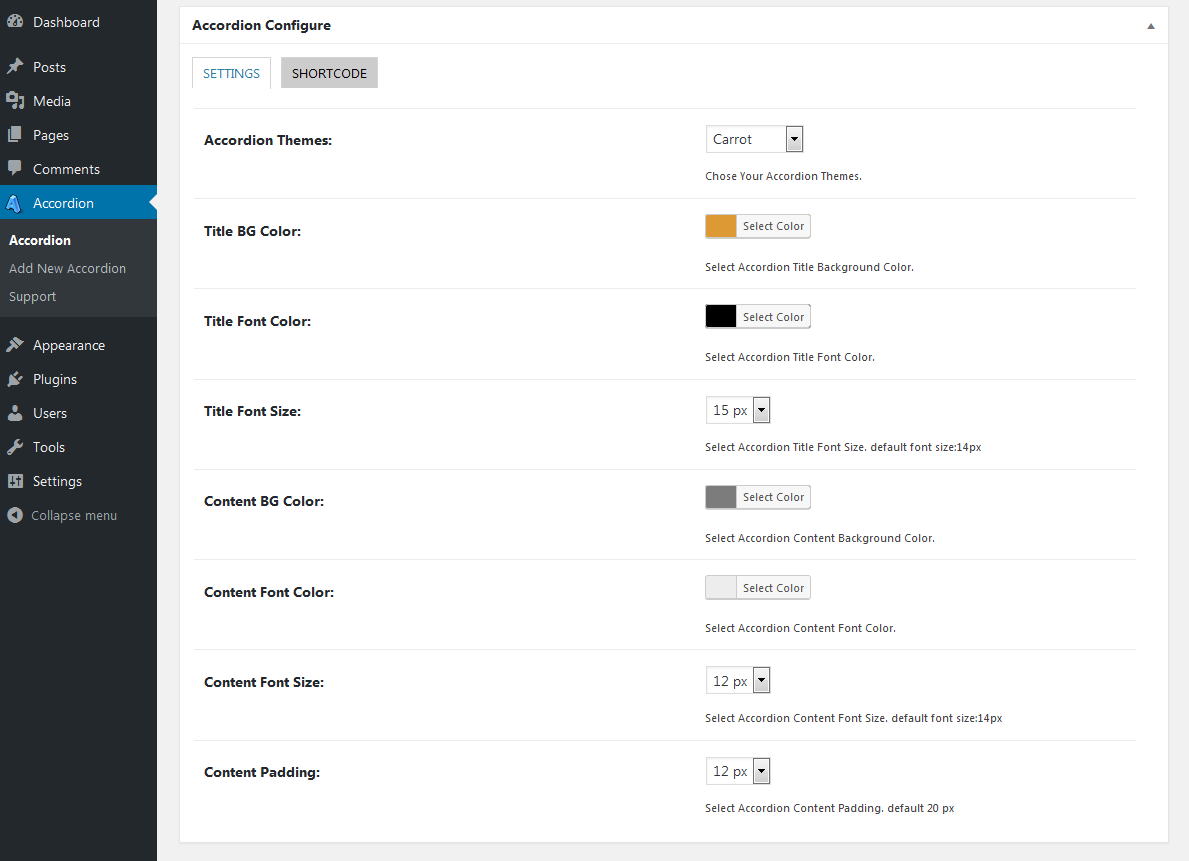
screenshot-10 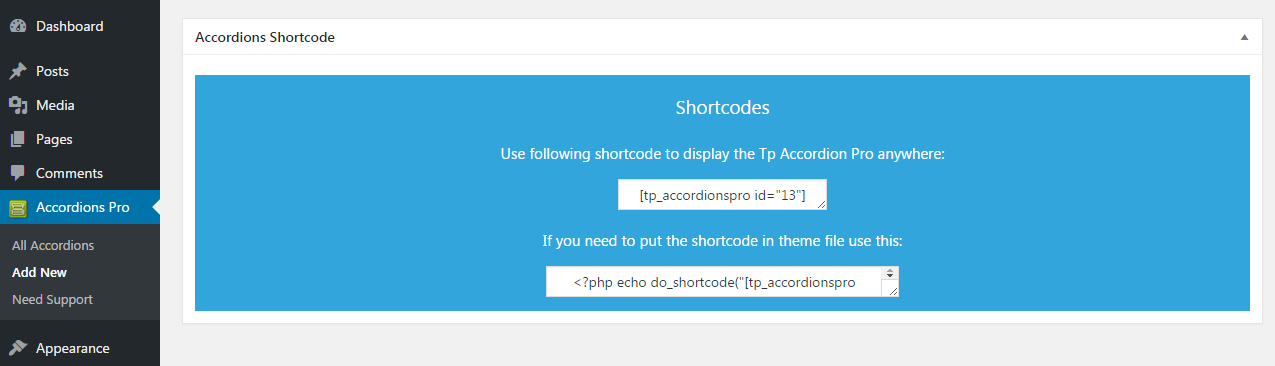
screenshot-11
སྒྲིག་འཇུག
Using The WordPress Dashboard
- Install as regular WordPress plugin.
- Go your Pluings setting via WordPress Dashboard and activate it.
- After activate plugin you will see “Accordion” menu at left side on WordPress dashboard and find “Accordion Option Configuration”
Using FTP
1.Extract accordions-wp.zip to your computer.
2.Upload the accordions-wp directory to your wp-content/plugins directory.
3.After activate plugin you will see “Accordion” menu at left side on WordPress dashboard and find “Accordion Option Configuration”
How to use short-code?
When accordions options setup done please copy & paste shortcode into your theme any where you want to display this accordions.
གདེང་འཇོག


བྱས་རྗེས་འཇོག་མཁན། & གསར་འབྱེད་པ།
“Accordion” is open source software. The following people have contributed to this plugin.
བྱས་རྗེས་འཇོག་མཁན།
ཁྱེད་ཀྱི་སྐད་ཡིག་ནང་ལ་ “Accordion” ཡིག་སྒྱུར་བྱོས།
Interested in development?
Browse the code, check out the SVN repository, or subscribe to the development log by RSS.
དག་བཅོས་ཉིན་ཐོ།
2.7
- Update Option Page.
- Fix Security Issues.
- Fix CSS Issue.
2.6
- Update Option Page.
- Fix CSS Issues.
2.5
- Update Option Page.
- Fix CSS Issues.
2.4
- Update Option Page.
- Fix CSS Issues.
2.3
- Update Option Page.
- Added New Options.
- Update Admin Interface.
- Fix CSS Issues.
2.2
- Update Option Page.
- Fix Color Picker Issues.
2.1
- Update Option Page.
- Fix Javascript Issues.
2.0
- Update Option Page.
- Fix CSS Issues.
- Fix javascript Issues.
1.9
- Update Option Page.
- Fix CSS Issues.
1.8
- Update Options Page.
1.7
- Fix shortcode inside accordion item issues.
1.6
- Fix Accordion wysiwyg content display issues.
- Update Font Size Options.
1.5
- fix accordion admin js issues.
1.4
- fix error issues.
1.3
- Fix Unlimited Accordion Support issue.
- Added Repeatable Field for accordion content.
- WP Editor for accordion content.
- Remove Old Option Page.
- Added New Option Page with new settings.
- Fix Css Issues.
- Added Support Option page.
1.2
- fix plugin Css Issues
1.1
- fix plugin header problem
1.1
- fix post limit.
- add option in setting page.
1.0
- Initial release