

ཞིབ་བརྗོད།
Fala (by ELAV8) is a voice-first AI customer-service agent for your website.
This plugin connects your WordPress site to the Fala service (hosted at fala.elav8.ai). After you activate it and paste your agent key:
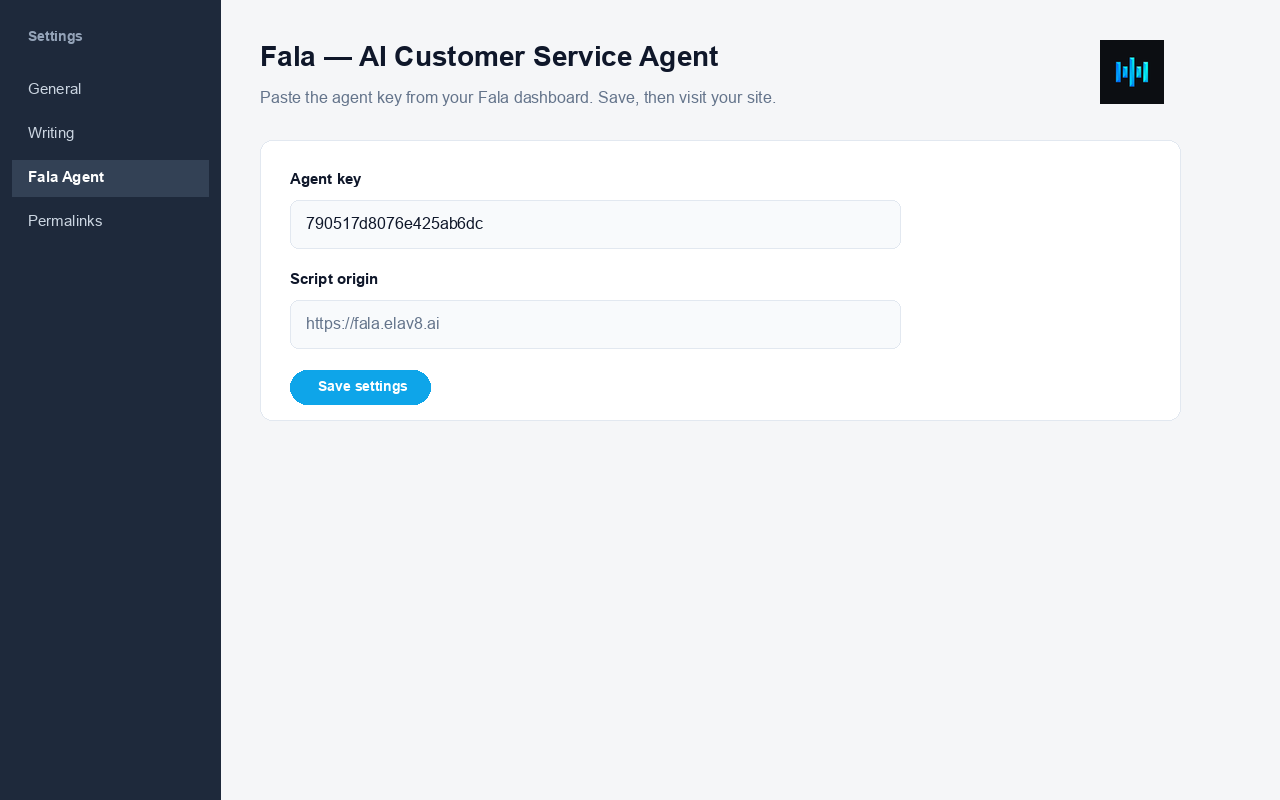
- Open Settings Fala Agent
- Paste the agent key from your Fala dashboard (Build Widgets, or the install guide)
- Save — your agent appears on every public page
No theme file edits. Survives theme updates. Works with most caching plugins (purge cache after install if the agent does not appear immediately).
Requirements
- A free or paid Fala workspace
- Your widget agent key (public embed key)
External service
This is a SaaS connector. When an agent key is saved, the plugin loads Fala’s official loader script from your configured script origin (default https://fala.elav8.ai/widget.js) and visitor chat/voice traffic is handled by Fala’s servers according to your plan and settings.
Saving an agent key under Settings Fala Agent is your explicit consent to load that service on the public site. No script is injected until a key is present. The plugin does not inject “powered by” credit links.
གཏུབ་རེིས།
སྒྲིག་འཇུག
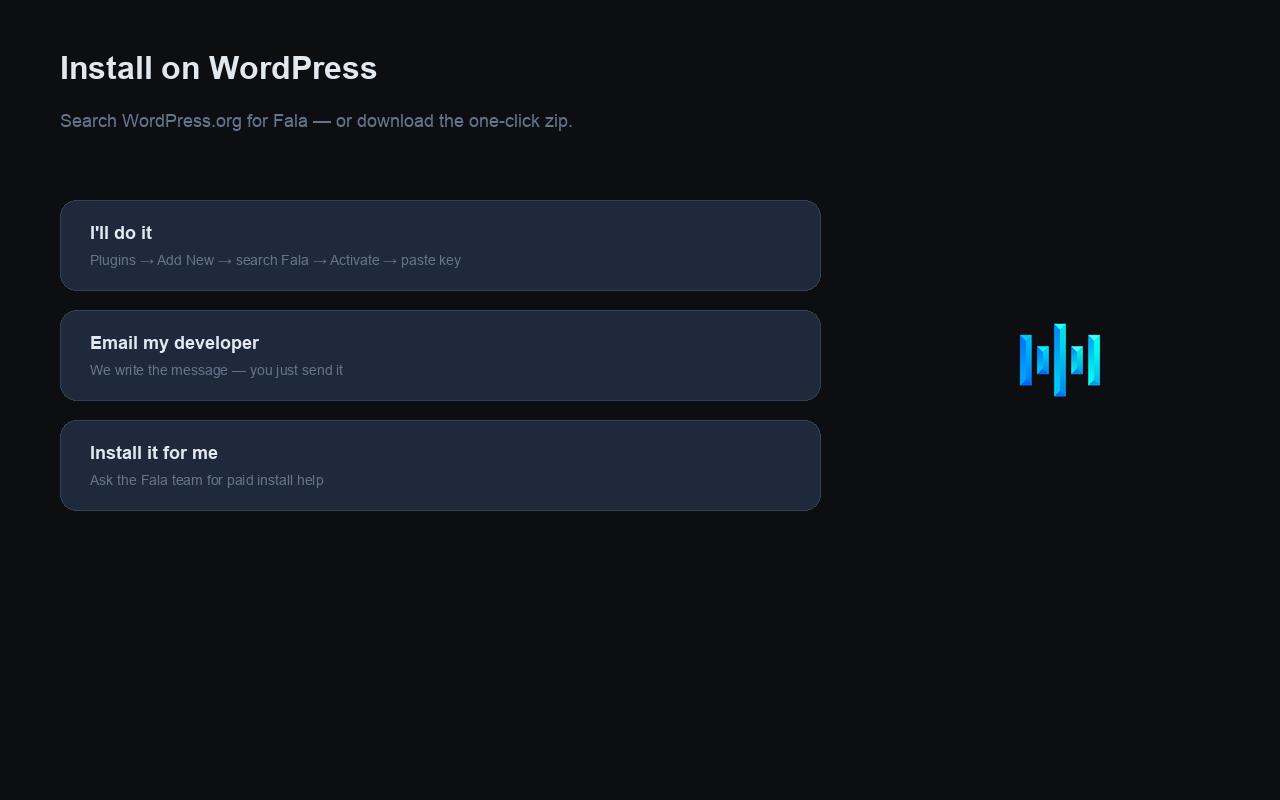
- In WordPress go to Plugins Add New
- Search for Fala (or upload this plugin’s zip)
- Click Install Now, then Activate
- Go to Settings Fala Agent and paste your agent key from the Fala dashboard
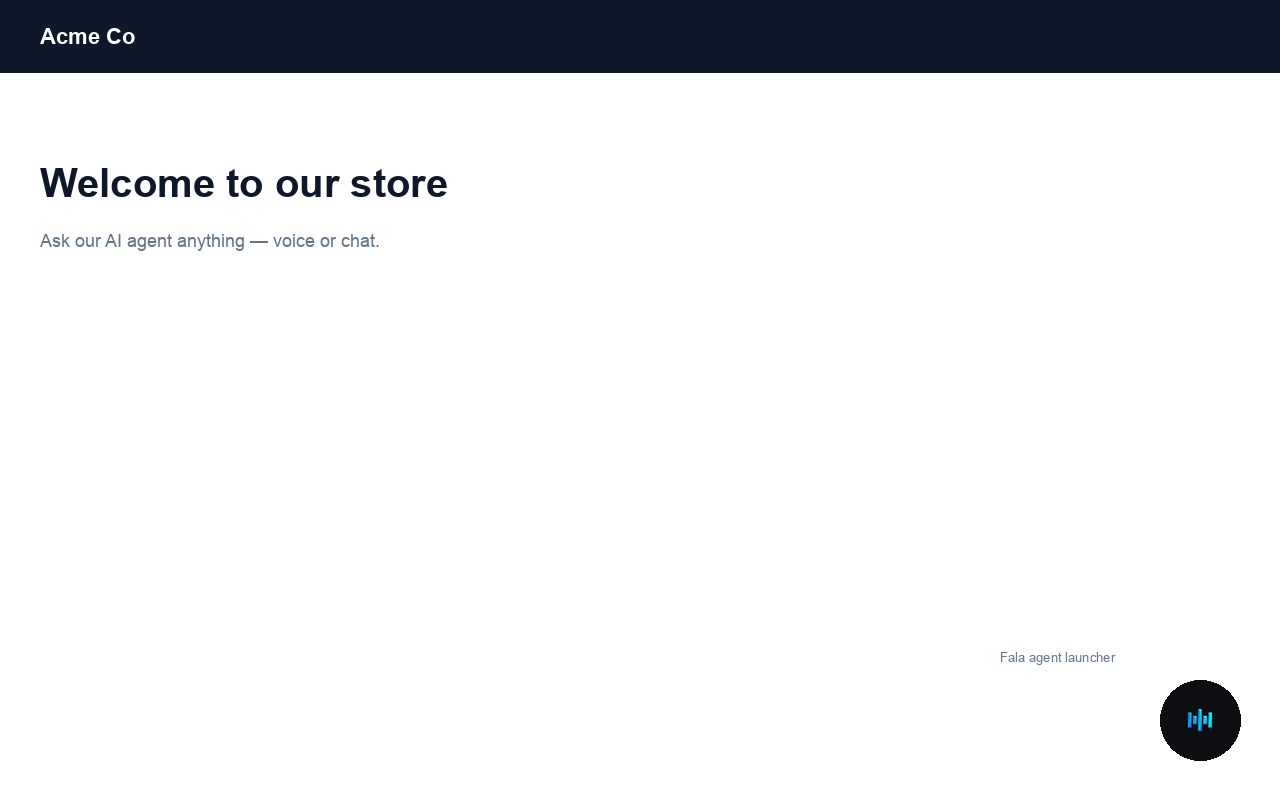
- Visit your public site (not wp-admin) and confirm the agent launcher appears
FAQ
-
Where do I get the agent key?
-
Sign in at fala.elav8.ai, open Build Widgets, or ask Fala’s Architect to show the install guide. Copy the public key (not your login password).
-
The agent does not appear
-
- Confirm the key is saved under Settings Fala Agent
- Confirm your theme calls
wp_footer()(almost all themes do) - Purge any page cache / CDN cache
- View the public front-end, not the WordPress admin
- If you set allowed domains in Fala, make sure your site hostname is listed
-
Can I use a one-click zip from the Fala dashboard?
-
Yes. The dashboard can download a pre-configured zip of this same plugin with your key filled in. After WordPress.org listing, prefer installing from the directory and pasting the key.
གདེང་འཇོག

བྱས་རྗེས་འཇོག་མཁན། & གསར་འབྱེད་པ།
“FALA — AI Customer Service Agent” is open source software. The following people have contributed to this plugin.
བྱས་རྗེས་འཇོག་མཁན།
ཁྱེད་ཀྱི་སྐད་ཡིག་ནང་ལ་ “FALA — AI Customer Service Agent” ཡིག་སྒྱུར་བྱོས།
Interested in development?
Browse the code, check out the SVN repository, or subscribe to the development log by RSS.
དག་བཅོས་ཉིན་ཐོ།
1.0.0
- Initial release: settings page, agent key, site-wide footer inject via wp_enqueue_script.